TikiLiveCD

There are several ways of trying Tiki CMS/Groupware on a CD which contains everything you need to boot your computer from CD, and let you go directly to using your own installation of Tiki.
The most updated one is "Slax Tiki Live CD" (see below), which can also be converted to an UsbTiki, if desired. There is also KnoppixTiki, even if it is much more outdated.
A new version 0.4 including the official Tiki 2.0 stable (August 11th 2008) preinstalled is here. Feedback is welcome:

Still todo:
- Add link from tw installs to see the included videos and screencasts in the live CD
Comments:
- You need to download the .iso file, and burn a CD with it through your favorite .iso burning application (K3b, Brasero, Nero, Easy CD Recorder, ...). Then, insert the recorded CD on the CD drive and ensure that your computer is able to boot from the CD before booting from the hard drive. You might need to access your BIOS settings to change boot sequence, if the TikiLiveCD does not start automatically.
- Root user of the GNU/Linux system and its MySQL is:
- user: root
password: toor
- user: root
- Admin users on that tiki are:
- user: root
password: toor - user: admin
password: nimda
(following the same convention of users and passwords as Slax does. Nevertheless, firefox was saved remembering admin password for easiness of testing on the Live CD)
- user: root
- TikiTests can be recorded but not played back, due to missing packages on the base Slax 0.5x live CD where this TikiLiveCD is based upon.
Screenshots

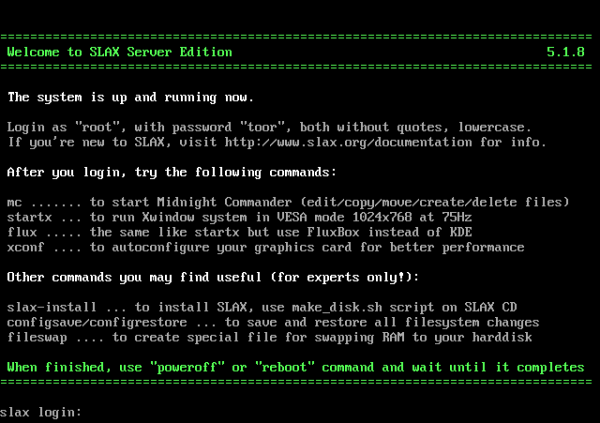



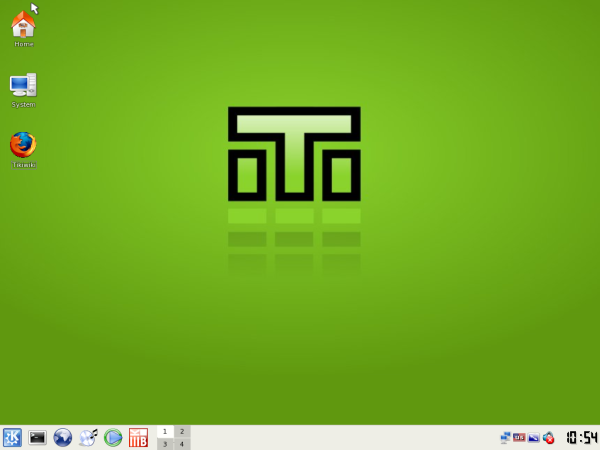
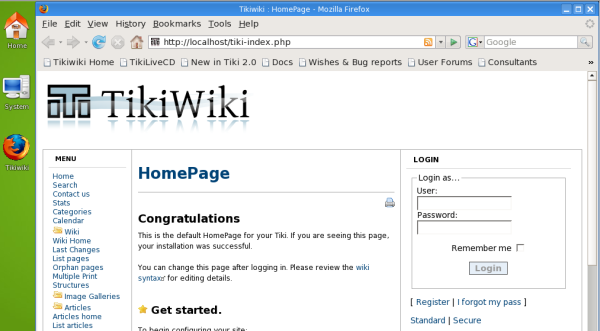
Note: Admin users on that tiki are:
- user: root
password: toor - user: admin
password: nimda
Moreover, Firefox was saved remembering the admin password for easiness of testing on the Live CD
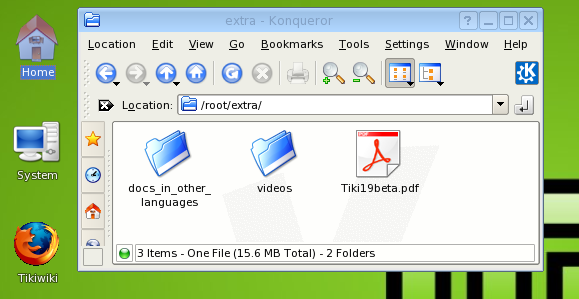
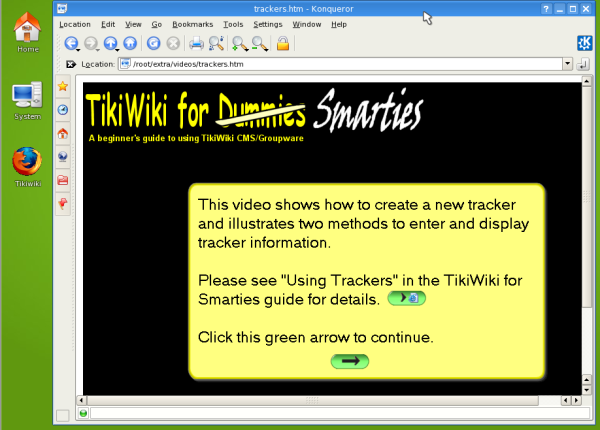
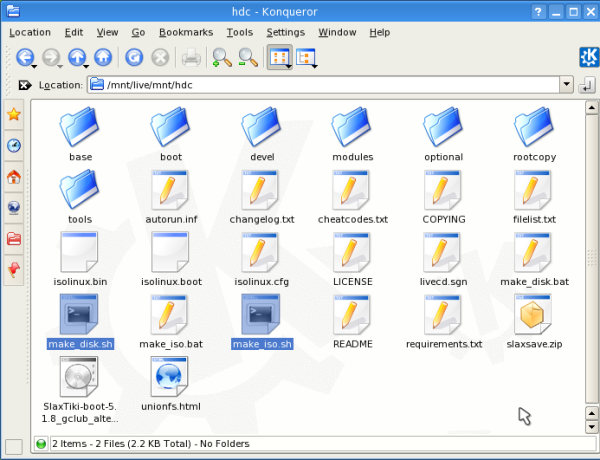
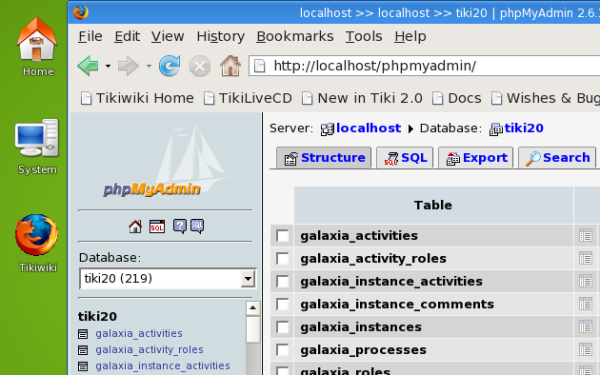

v0.4a (July 17th, 2008)
- Using Tiki 2.0 RC1
v0.4b (July 22nd, 2008)
ftp://ftp.rediris.es/mirror/gclub/Slax-TikiLiveCD_v0.4b.iso

- Using Tiki 2.0 RC2
The first one was KnoppixTiki, but until somebody updates it, it's not recommended because it contains an old copy of Tiki (dated from 13. November 2004).
For more information, see KnoppixTiki